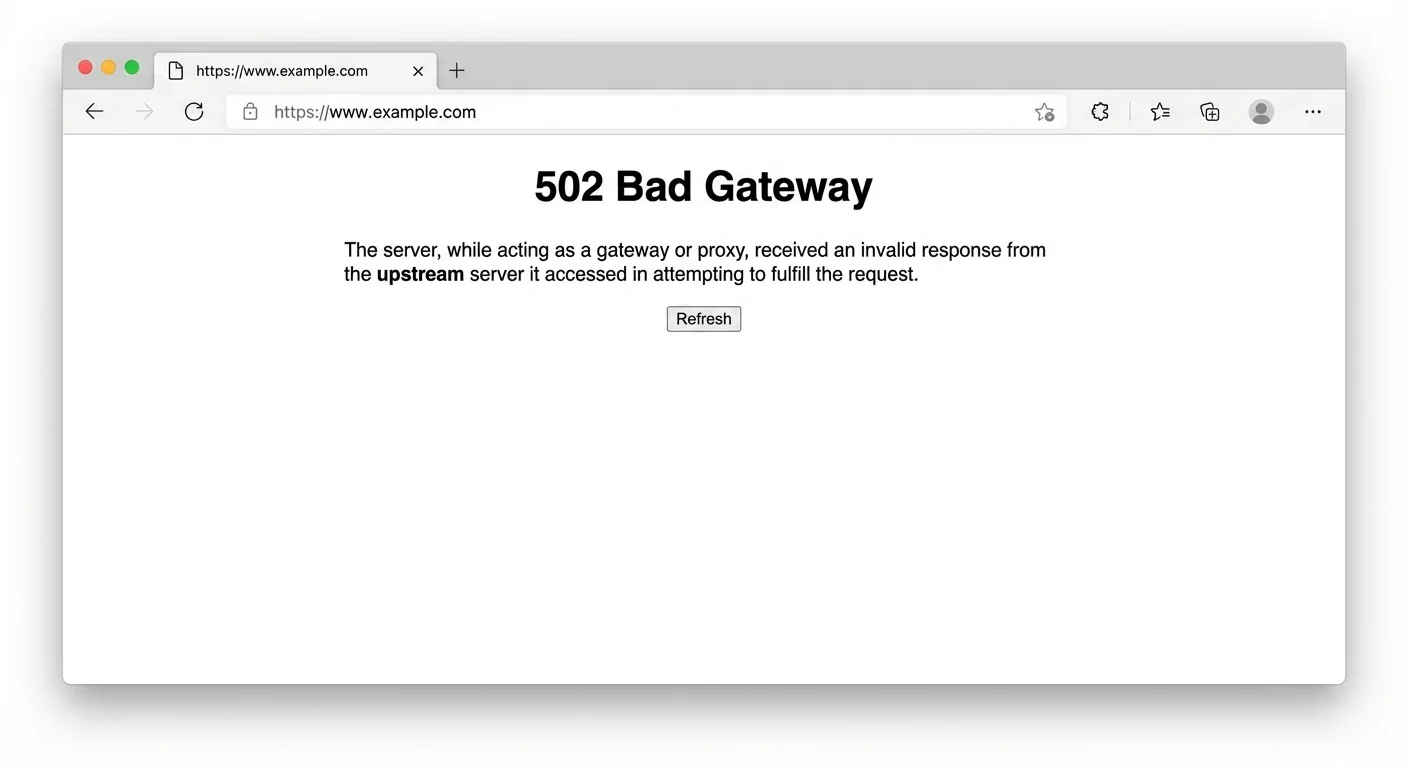
In the landscape of web errors, few are as confusing as the 502 Bad Gateway. Unlike a straightforward "Not Found" or a definitive "Server Error," the 502 is a message about a breakdown in communication. It tells you that one server on the internet tried to talk to another, and the conversation went terribly wrong.
At IsYourWebsiteDownRightNow.com, we analyze thousands of downtime incidents daily. We know that while a 503 Service Unavailable usually means a server is overwhelmed, a 502 indicates a specific architectural issue.
In this guide, updated for the technical landscape of 2025, we will move beyond generic advice. We will dissect the technical reality of the 502 error, explain why it’s distinct from other crashes, and provide actionable, expert-level solutions for both users and site administrators.
The Technical Definition: The "Middleman" Problem
A 502 Bad Gateway error means that a server acting as a proxy or "gateway" received an invalid response from an "upstream" (origin) server.
To understand this, you must understand modern web architecture. Rarely does your browser connect directly to the application running a website. Instead, it connects to a "reverse proxy" (like Nginx, HAProxy, or a CDN like Cloudflare). This proxy's job is to take your request, turn around, and ask the actual backend application (like PHP-FPM, Node.js, or Python) for the data.
The 502 occurs when the proxy asks for the data, and the backend application mumbles, hangs up, or sends back gibberish instead of a proper HTTP response.
How It Differs from Similar Errors
Distinguishing the 502 is vital for rapid troubleshooting:
-
VS. 500 Internal Server Error: A 500 error means the final destination server crashed completely. A 502 means the destination server is alive but responding incorrectly to the gateway.
-
VS. 504 Gateway Timeout: A 504 means the upstream server didn't reply in time. A 502 means it replied quickly, but the reply was incomprehensible.
The Deep-Dive: Causes in a 2025 Infrastructure
Because a 502 is about the relationship between two servers, the causes are often complex configurations.
1. The Backend Service is Overloaded (The Most Common)
If your backend application (e.g., PHP-FPM for WordPress sites) is overwhelmed by traffic, it may not crash entirely. Instead, its "workers" become tied up. When the Nginx proxy asks for a page, the overwhelmed PHP process might send an incomplete header or terminate the connection abruptly. Nginx sees this invalid response and throws a 502.
2. Misconfigured Reverse Proxy
The server acting as the gateway (Nginx, Apache, etc.) might be misconfigured. Common issues include incorrect timeout settings or pointing to the wrong IP address or port for the upstream application.
3. Firewall Blocking Communication
Sometimes, an overzealous firewall on the upstream server interprets requests from the gateway server as an attack and blocks them. The gateway gets a "connection refused" message, resulting in a 502.
4. CDN Issues (e.g., Cloudflare)
If you use a Content Delivery Network (CDN), the CDN is your gateway. If their edge servers cannot contact your origin server (perhaps due to transient network issues or your host blocking CDN IPs), the CDN will display a branded 502 Bad Gateway page.
How to Fix a 502 Bad Gateway Error
The path to resolution depends heavily on whether you are a visitor or the site administrator.
Phase 1: The Visitor's Quick Fixes (Client-Side)
As a visitor, you cannot fix the server link, but you can ensure your local setup isn't causing a false positive.
-
Hard Refresh (Ctrl+F5 / Cmd+Shift+R): Sometimes the server was temporarily overwhelmed, and a fresh request will go through.
-
Clear Browser Cache: Your browser might be holding onto a stale copy of the error page.
-
Check Your DNS: Occasionally, local DNS issues can misroute your request. Trying changing your DNS servers or flushing your DNS cache can help rule out issues similar to DNS_PROBE_FINISHED_NXDOMAIN.
Phase 2: The Administrator's Expert Fixes (Server-Side)
If you own the site, stop guessing and start debugging the communication chain.
1. Check the "Gateway" (Proxy) Logs First
If you use Nginx as a reverse proxy, check its error logs (usually /var/log/nginx/error.log). Don't look at access logs; look at error logs. You are looking for messages like:
-
upstream sent too big header while reading response header from upstream
-
connect() failed (111: Connection refused) while connecting to upstream
These messages tell you exactly why Nginx rejected the backend's response.
2. Restart the Backend Service (Not Just the Server)
Don't just reboot the whole machine. Try restarting the specific application service that is likely failing.
-
For WordPress/PHP sites: sudo systemctl restart php-fpm
-
For Node/Python apps: Restart your process manager (like PM2 or Supervisor).
Often, a service gets stuck in a bad state and just needs a reset to start communicating correctly again.
3. Verify CDN Configuration & Firewall
If you use Cloudflare, pause it temporarily. If the site works without Cloudflare, the issue is likely your server firewall blocking Cloudflare's IP addresses. Ensure your host whitelists your CDN provider's IP ranges.
4. Check Upstream Application Limits
If your logs show "connection reset by peer," your backend might be hitting limits. For example, in PHP-FPM, check the pm.max_children setting. If traffic exceeds this limit, new requests get dropped, causing 502s at the gateway.
Summary
A 502 Bad Gateway error is a frustrating indicator of a broken digital handshake between servers. It requires moving beyond basic troubleshooting and looking at the architecture of how your site is delivered.
By understanding the relationship between your proxy and your application, you can diagnose the root cause quickly. If you are unsure if the problem is widespread or just affecting you, always start by using our comprehensive tool at IsYourWebsiteDownRightNow.com to confirm the site's status globally.