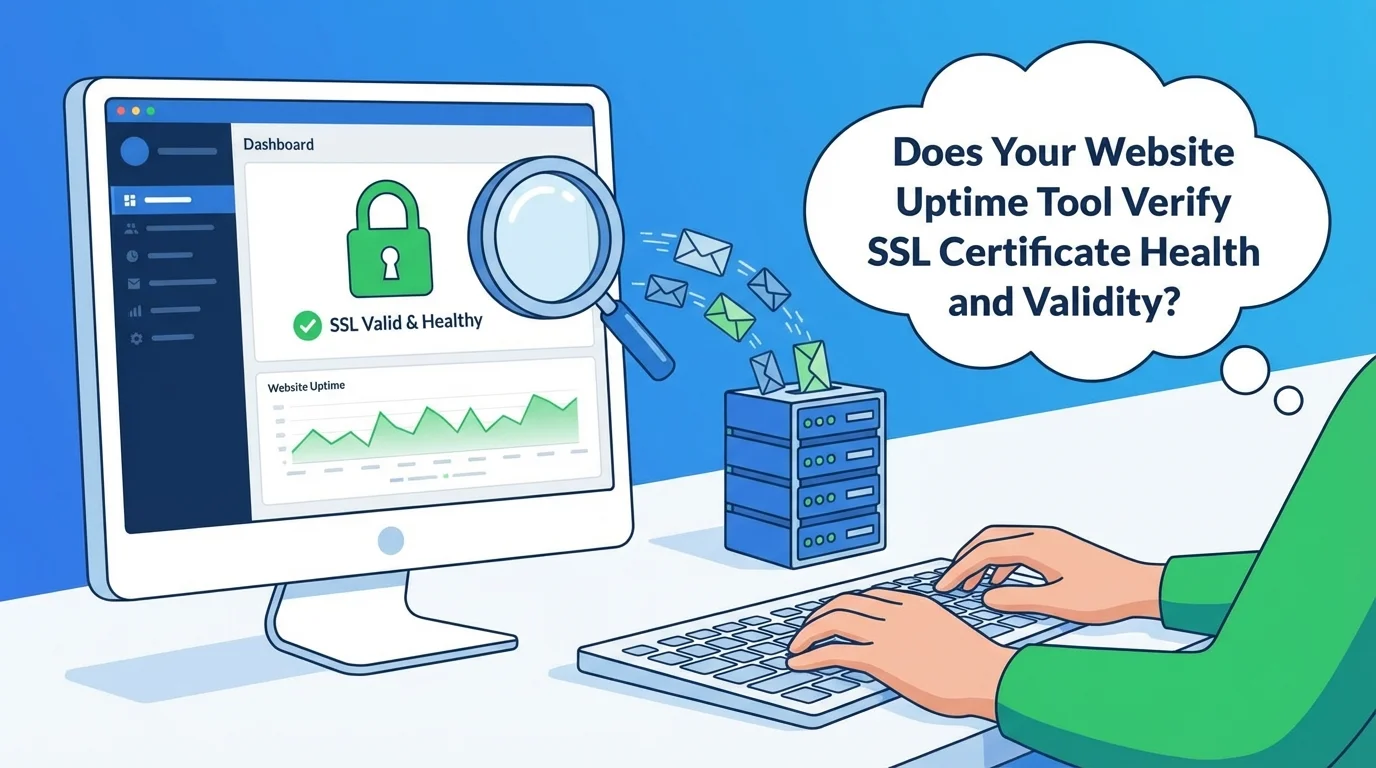
When a user visits your website, two primary things must happen correctly: the server must be reachable, and the connection must be secure. Most uptime checkers focus solely on the first part (the HTTP status code), but comprehensive technical diagnostics require a deeper look at the security layer—specifically, the SSL/TLS certificate.
If your SSL certificate is invalid, expired, or improperly configured, browsers will display a stark security warning ("Your connection is not private"), immediately driving potential customers away, damaging your SEO rankings, and halting all conversions.
A robust website status tool should incorporate detailed SSL certificate validation into every check.
The Essential Components of a Comprehensive SSL Check
A basic "is it up?" tool won't cut it. A quality domain diagnostic tool should provide specific insights into the security handshake. When you run a check on your domain, look for detailed information on the following points:
1. Expiration Date and Countdown
The most critical piece of information is the expiration date. Certificates need timely renewal. A good tool will provide a clear expiration date and often a countdown timer (e.g., "Expires in 12 days") to give you ample warning.
General Guidance: Renew certificates at least 14 days before expiration to prevent browser warnings and potential SEO penalties.
2. Certificate Issuer Details
Knowing who issued the certificate provides a layer of trust. Common issuers include:
- Let's Encrypt: Popular for free, automated certificates.
- DigiCert / Symantec: Enterprise-grade commercial certificates.
- GoDaddy / Namecheap: Common hosting-provider options.
The tool should clearly state the issuer and verify that the issuer is a trusted Certificate Authority (CA).
3. Full Chain Validation (Intermediate Certificates)
This is a common failure point. An SSL "chain" links your site's certificate back to a trusted Root Certificate Authority. Intermediate certificates bridge the gap.
If these intermediate certificates are missing or incorrectly installed on your server, many browsers and operating systems—especially older ones or specific mobile devices—will fail to validate the connection, resulting in an error even if your primary certificate is fine. A good tool verifies the entire chain is present and correctly ordered.
4. Protocol Support and Cipher Strength
The digital security world is constantly evolving. Older protocols like TLS 1.0 and 1.1 are now considered insecure and are deprecated by modern browsers.
A comprehensive tool should verify that your server only supports strong, modern protocols (like TLS 1.2 and TLS 1.3) and uses strong encryption ciphers to protect user data.
5. Wildcard Coverage Verification
If you use a wildcard certificate (e.g.,
*.yourdomain.com), it needs to cover all necessary subdomains (like blog.yourdomain.com or shop.yourdomain.com). The diagnostic report should confirm that the specific URL you tested is correctly covered by the certificate presented.Automating Renewals: The Key to Zero Downtime
Manually remembering to renew a certificate is a thing of the past. The industry standard has shifted toward automation:
- Certbot: The most popular open-source tool, often used with Let's Encrypt, automates the installation and renewal process on Linux servers.
- ACME Protocol: The standard protocol that allows clients like Certbot to interact with Certificate Authorities automatically.
If you manage your own server, implementing automation is a critical step to ensure continuous website availability and security.
Recommended Tool for Detailed SSL Diagnostics
When troubleshooting your website's availability or security configuration, use a tool that goes beyond a simple "ping."
We highly recommend using Is Your Website Down Right Now? to get an immediate, detailed report.
This platform performs real-time technical checks that provide essential HTTP status verification alongside comprehensive SSL certificate validation. It’s a fast, lightweight, and reliable resource used by developers, SEO professionals, and small business owners to keep their sites healthy and secure.